Professional commercial display solution provider

Installation and Maintenance Guide for Commercial LCD Displays
Introduction — Why Proper Installation Matters
Commercial LCD displays are designed to operate for thousands of hours in demanding environments. However, the performance and lifespan of a display depend heavily on proper installation and maintenance.
Large-format screens such as 55-inch LCD panels are commonly used in retail signage, public information systems, exhibitions, and immersive environments like aquarium simulation backgrounds. In these installations, the display often runs continuously for long periods, making stability and reliability essential.
By following best practices for mounting, ventilation, power management, and routine maintenance, businesses can ensure that their LCD displays deliver consistent performance and long operational life.
Choosing the Right Installation Location
The first step in installing a commercial LCD display is selecting an appropriate location. This decision affects visibility, safety, and long-term durability.
Important factors include:
Viewing distance
Displays should be placed where viewers can comfortably see the screen without straining. For a 55-inch display, typical viewing distances range from 1.5 to 4 meters depending on the content.
Lighting conditions
Avoid placing displays directly opposite strong light sources such as windows. Excessive glare can reduce readability and visual impact.
Environmental conditions
Public spaces, restaurants, and aquarium installations may have higher humidity or temperature fluctuations. Choosing a stable environment helps protect the display hardware.
For more insights into how these displays are used across industries, see our guide on
55-inch commercial LCD display applications and benefits.
Mounting Methods for Large LCD Displays
Large LCD displays can be installed using several mounting options depending on the environment and design requirements.
Wall Mount Installation
Wall mounting is the most common method for retail and public display installations. It saves space and provides a clean, professional appearance.
Key considerations include:
-
VESA-compatible mounting brackets
-
Strong wall structure capable of supporting the display weight
-
Cable management solutions
Stand or Floor Mount
Freestanding installations are common in:
-
shopping malls
-
exhibitions
-
trade shows
-
hotel lobbies
Floor mounts allow displays to be repositioned easily and often include integrated cable management.
Embedded Installations
Some installations integrate LCD displays into walls, cabinets, or decorative environments. Aquarium simulation displays and themed environments often use this approach to create seamless visual experiences.
In these cases, proper ventilation is especially important to prevent overheating.
Businesses implementing these installations often rely on professional display hardware such as the
55-inch commercial LCD display to ensure stable brightness and consistent visual performance.
Ensuring Proper Ventilation and Cooling
Heat is one of the primary factors affecting display lifespan. Commercial LCD displays generate heat during operation, particularly when running at high brightness levels.
Best practices for ventilation include:
-
Leave sufficient space around the display for airflow
-
Avoid sealed enclosures without cooling systems
-
Ensure air vents are not blocked
-
Maintain ambient temperatures within recommended ranges
In embedded installations, additional ventilation fans may be required to maintain stable operating temperatures.
Power Management and Electrical Safety
Reliable power supply is essential for commercial display installations.
Recommended practices include:
-
Using surge protection devices
-
Avoiding overloaded electrical circuits
-
Installing backup power solutions for critical information displays
-
Ensuring power cables are securely routed and protected
For installations in public spaces, proper cable management is also important to maintain safety and aesthetics.
Routine Maintenance for Long-Term Performance
Even though commercial LCD displays are designed for durability, routine maintenance helps extend their lifespan.
Typical maintenance tasks include:
Screen cleaning
Use microfiber cloths and non-abrasive cleaning solutions. Avoid excessive moisture or harsh chemicals that may damage the screen surface.
Ventilation inspection
Dust accumulation in ventilation openings can reduce cooling efficiency. Periodically inspect and clean vents.
Connection checks
Loose cables or connectors can cause signal interruptions or flickering displays. Checking connections ensures reliable operation.
Software updates
Digital signage systems and media players often require periodic updates to maintain compatibility and security.
Managing Continuous Operation
Many commercial displays operate for extended periods each day. Proper usage habits can help protect display components.
Recommended practices:
-
Avoid static images for extremely long durations
-
Use screen savers or dynamic content loops
-
Adjust brightness levels according to ambient lighting
-
Schedule automatic shutdown during non-operating hours when possible
These steps reduce stress on the display and help maintain consistent image quality over time.
Installation Considerations for Aquarium and Simulation Displays
Aquarium simulation environments require special installation considerations.
Displays used in these installations often run scenic content continuously and are integrated into decorative structures.
Key factors include:
Humidity protection
Aquarium installations may involve higher humidity levels. Protective enclosures and ventilation systems help protect electronic components.
Seamless integration
Displays are often embedded into walls or decorative frames to simulate underwater environments.
Continuous playback systems
Media players must support seamless video loops to maintain a natural visual experience.
With proper installation planning, LCD displays can create convincing underwater environments that enhance interior spaces.
FAQ — Commercial LCD Display Installation
Q1: Can large LCD displays be mounted vertically?
Yes, many commercial displays support both landscape and portrait orientations depending on the mounting system and application.
Q2: How much space should be left for ventilation?
Most installations require several centimeters of space around the display to allow proper airflow.
Q3: Is professional installation necessary?
For large displays or public installations, professional mounting is recommended to ensure safety and stability.
Q4: Can LCD displays run continuously?
Commercial displays are designed for long operating hours, but proper cooling and dynamic content are recommended for longevity.
Q5: Are LCD displays suitable for decorative installations like aquarium simulations?
Yes. High-resolution LCD panels are widely used to create immersive scenic environments.
Q6: How often should displays be cleaned?
Cleaning frequency depends on the environment, but most installations benefit from monthly inspection and cleaning.
Conclusion
Proper installation and maintenance are essential for maximizing the performance and lifespan of commercial LCD displays. From selecting the right mounting method to ensuring adequate ventilation and performing routine maintenance, each step contributes to reliable long-term operation.
Whether used for retail advertising, public information systems, exhibitions, or immersive aquarium simulation environments, a well-installed LCD display can deliver years of consistent performance.
By combining high-quality display hardware with thoughtful installation planning and regular maintenance, businesses can create visually engaging environments that remain reliable over time.
Recommended reading
 2025-12-29Commercial LCD Display Industry Trends and Market Insights for 2026
 2025-12-23Why Custom Commercial Displays Are Becoming Standard in Modern Systems
 2025-12-17Advancing Outdoor Visual Systems with High-Brightness, Wide-Temperature LCD Technology
 2025-12-10Outdoor Commercial LCD Modules for Wide Temperature High-Brightness Advertising Displays
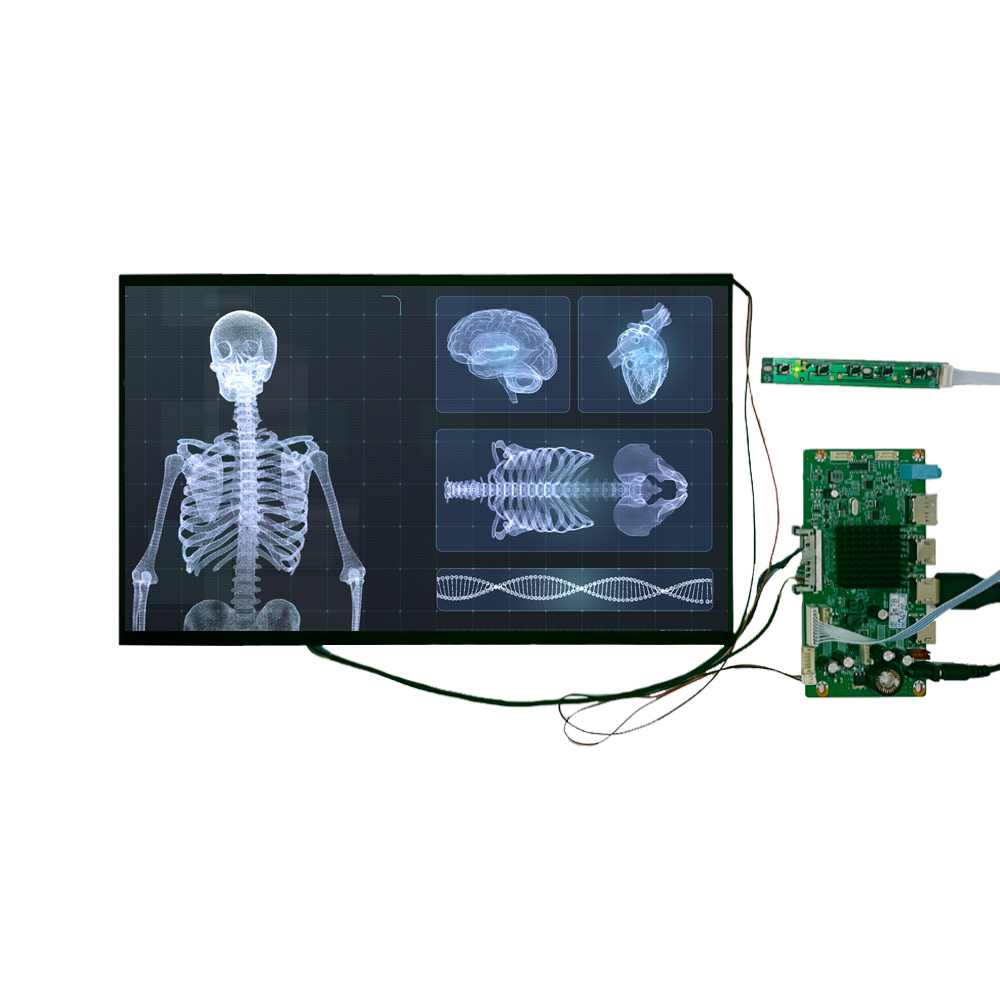 2025-12-0215,6-Zoll 4K Medical Display Module für hochpräzise diagnostische Bildgebung


Products
Commercial LCD Display
Gaming LCD Module
High Resolution Medical Display
Outdoor Display
E-ink LCD Display
Desk VR Monitor
OLED Display
Total Solutions
Service
Custom Touch Screen Solutions
Customized Frames & Protective Cover Glass
LCD Driver Board & Accessory Customization
Contact us
Contact Us
Copyright © 2025 Shenzhen Aptus Technology Co.,Ltd All Rights Reserved.

-
Inquire
- Top