Professional commercial display solution provider

- Home
-
Products
Professional commercial display solutions
-
About us
In good faith to customers
-
Service
Provide professional and meaningful advice
-
Knowledge Center
Innovation for development
- Contact us
What Features Should You Look for in a Self-Service Kiosk Display?
What Features Should You Look for in a Self-Service Kiosk Display?
Choosing the right display solution for self-service kiosks requires selecting a display that matches the application environment, user interaction requirements, and long-term operating conditions. The ideal self-service kiosk display should provide excellent visibility, reliable touch interaction, high durability, and easy system integration. For modern self-service terminals used in retail stores, restaurants, transportation stations, EV charging stations, and public information systems, commercial-grade displays such as TFT LCD modules with suitable brightness, size, and touch panel integration are usually the best choice.
Unlike standard consumer monitors, kiosk displays are designed for continuous operation and frequent public interaction. The correct display solution should consider screen size, resolution, brightness, touch panel technology, protection structure, operating temperature, and interface compatibility. Selecting a professional kiosk LCD display helps improve user experience while reducing maintenance requirements and extending the service life of the entire kiosk system.
Select the Appropriate Display Size for Self-Service Kiosks
Display size is one of the first factors to consider when designing a self-service kiosk. The correct size depends on the application type, viewing distance, installation space, and amount of information displayed.
For commercial self-service kiosks, commonly used display sizes include:
- 18.5-inch displays for compact ordering terminals and information kiosks
- 21.5-inch displays for retail self-checkout machines and interactive terminals
- 27-inch displays for larger customer interaction systems
- 32-inch displays for digital signage kiosks and advanced self-service applications
- 43-inch and larger displays for advertising kiosks, transportation terminals, and public information systems
Larger displays provide more space for user interfaces, promotional content, maps, and multimedia information. For example, a 32-inch or 43-inch display can support richer interactive content while maintaining comfortable viewing distance.
A professional TFT LCD module provides flexible size options and allows kiosk manufacturers to select the display format that best fits their enclosure design and user requirements.
Choose the Right Resolution for Clear Information Display
Resolution directly affects the readability of text, images, and interactive content.
For self-service kiosk applications, common resolution choices include:
- Full HD 1920×1080 resolution for mainstream commercial terminals
- 4K UHD 3840×2160 resolution for large interactive displays and advertising kiosks
Higher resolution is especially important when kiosks display detailed maps, product catalogs, digital menus, advertisements, or multimedia content.
A high-resolution kiosk LCD display provides sharper text and smoother images, helping users quickly understand information and complete operations efficiently.
For large commercial displays, 32-inch, 43-inch, 55-inch, and 75-inch TFT LCD solutions can provide enhanced visual performance for demanding applications.
Select Suitable Brightness Performance
Brightness is a critical specification because self-service kiosks are often installed in different lighting environments.
Indoor kiosks located in shopping malls, restaurants, and retail stores usually require moderate brightness levels with excellent contrast and viewing angles.
However, outdoor or semi-outdoor kiosks require much higher brightness because sunlight and ambient lighting can reduce image visibility.
A high brightness LCD display helps maintain clear images under strong lighting conditions and is essential for:
- Outdoor payment kiosks
- EV charging stations
- Parking terminals
- Transportation information displays
- Advertising kiosks
Outdoor applications may require additional technologies such as anti-glare treatment, optical bonding, and improved thermal design to maintain readability in changing weather conditions.
Consider Touch Panel Technology
User interaction is a key part of self-service kiosk design. Instead of traditional monitors, many kiosks require an integrated touch panel solution for intuitive operation.
A touch panel kiosk display allows users to interact directly with menus, payment systems, information interfaces, and service applications.
Projected capacitive touch panels are commonly used because they provide:
- Smooth multi-touch operation
- Fast response
- High transparency
- Premium user experience
For public environments, touch panels should also consider:
- Frequent operation by different users
- Protective glass thickness
- Touch sensitivity adjustment
- Environmental interference
A well-designed touch panel solution improves usability and creates a more reliable self-service experience.
Evaluate Durability and Protection Features
Self-service kiosks operate in public environments where displays may experience frequent touching, accidental impact, and continuous usage.
Important protection features include:
Cover Glass Protection
Protective glass helps prevent scratches and surface damage caused by daily operation.
Optical Bonding
Optical bonding improves display performance by reducing the air gap between the LCD and cover glass. Benefits include:
- Reduced reflection
- Improved outdoor visibility
- Better touch accuracy
- Increased mechanical strength
Anti-Glare Surface
Anti-glare treatment minimizes reflections from surrounding lights and improves readability.
These technologies are especially valuable when using a custom LCD module for commercial kiosk projects.
Consider Operating Temperature and Reliability
Many self-service kiosks operate continuously, sometimes 24 hours per day. Therefore, reliability is essential.
The display should be evaluated based on:
- Operating temperature range
- Backlight lifetime
- Continuous operation capability
- Thermal management design
Outdoor kiosks may experience temperature changes throughout the year. A display designed only for office environments may not provide sufficient reliability.
An industrial touch display designed for demanding environments can provide improved stability for applications requiring long operating life and stronger environmental resistance.
Check Interface Compatibility
Before selecting a display, engineers should confirm compatibility with the kiosk control system.
Common interfaces include:
- LVDS
- eDP
- HD-MI
- MIPI
- V-by-One
Important factors include:
- Controller compatibility
- Resolution support
- Power requirements
- Cable design
- Touch communication interface
Choosing a compatible interface reduces development time and simplifies kiosk integration.
Select a Flexible Commercial Display Solution
Modern kiosk manufacturers often require more than a standard display panel. They need a complete display solution that can adapt to different mechanical designs and application requirements.
A professional commercial display solution may include:
- TFT LCD modules
- Touch panels
- Driver boards
- Interface cables
- Protective glass
- Custom mechanical structures
Customization allows manufacturers to optimize the display according to kiosk size, installation environment, and user interaction requirements.
For projects requiring specific dimensions or performance characteristics, selecting a supplier with customization capabilities can significantly improve product development efficiency.
Balance Cost and Long-Term Value
The lowest-cost display is not always the best choice for self-service kiosks.
Low-cost solutions may create problems such as:
- Shorter operating life
- Lower brightness
- Poor touch performance
- Difficult maintenance
A reliable display solution should be evaluated based on total ownership cost, including:
- Initial investment
- Maintenance requirements
- Replacement frequency
- Expected service lifetime
A durable commercial display can reduce downtime and improve the overall return on investment.
Choose an Experienced Display Supplier
Selecting the right supplier is an important part of kiosk development. A professional display manufacturer should provide technical support, customization options, and stable supply capability.
Important supplier capabilities include:
- TFT LCD module customization
- Touch panel integration
- Display interface support
- Brightness optimization
- Long-term production support
A knowledgeable supplier can help select the most suitable display based on kiosk requirements rather than simply providing standard products.
Conclusion
Choosing the right display solution for self-service kiosks requires careful consideration of display size, resolution, brightness, touch panel technology, durability, and system compatibility.
A suitable self-service kiosk display should deliver clear visibility, reliable interaction, and long-term stability. Commercial TFT LCD solutions ranging from 18.5 inches to large-format displays provide flexible options for different kiosk applications, including retail terminals, digital ordering systems, outdoor information kiosks, and interactive commercial displays.
By selecting the appropriate kiosk LCD display, touch panel kiosk display, and customized TFT LCD module, businesses can build reliable self-service systems that improve customer experience and support long-term commercial operation.
Recommended reading
 2026-06-30What is High Haze Anti-Glare Glass for Advertising Displays?
 2026-06-30Optimizing Display Legibility for Outdoor EV Charging Infrastructure: A Technical Guide to Sunlight-Readable LCD Design
 2026-06-29How Curved LCD Displays Ensure 24/7 Reliability in High-Traffic Gaming Environments
 2026-06-23How Many Nits of Brightness Are Required for an EV Charging Station Display to Be Sunlight-Readable?
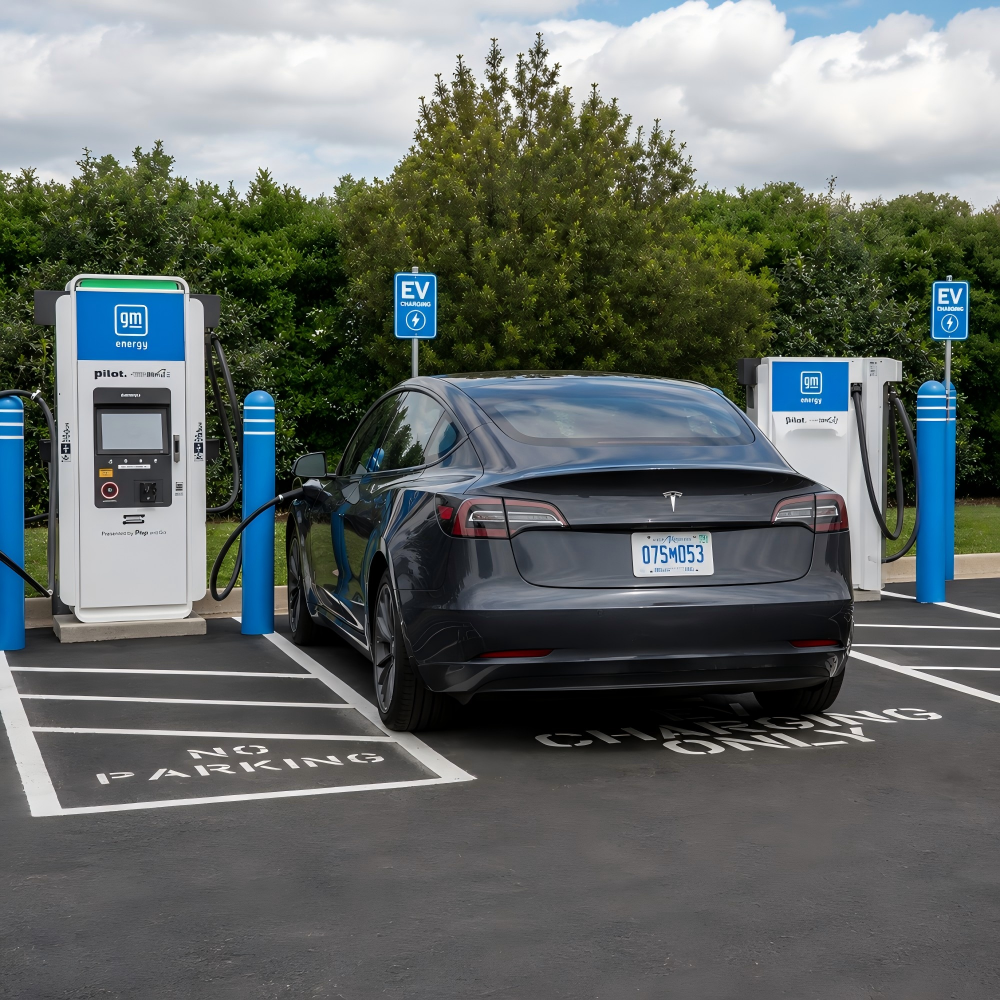 2026-06-23What Touch Technology Is Best for EV Charging Station LCD Displays?

Products
Commercial LCD Display
Gaming LCD Module
Outdoor Display
MINI-LED LCD Display
High Resolution Medical Display
OLED Display
Total Solutions
E-ink LCD Display
Desk VR Monitor
Service
Custom Touch Screen Solutions
Customized Frames & Protective Cover Glass
LCD Driver Board & Accessory Customization
Contact us
Contact Us
Copyright © 2025 Shenzhen Aptus Technology Co.,Ltd All Rights Reserved.

-
Inquire
- Top