Professional commercial display solution provider

- Home
-
Products
Professional commercial display solutions
-
About us
In good faith to customers
-
Service
Provide professional and meaningful advice
-
Knowledge Center
Innovation for development
- Contact us
How to Choose a Display for 24/7 Operation?
How to Choose a Display for 24/7 Operation?
Selecting a display capable of continuous, uninterrupted 24/7 operation requires moving away from consumer-grade monitors and prioritizing commercial-grade engineering. Unlike standard screens designed to run for only a few hours a day, a true 24/7 display must feature advanced thermal management, industrial-grade power supplies, anti-burn-in (pixel-shifting) technologies, and robust structural housing. To ensure operational longevity and prevent premature panel degradation, integrators must evaluate the screen's heat dissipation capabilities, backlighting lifespan (typically rated for 50,000 to 100,000 hours), and warranty terms tailored specifically for commercial use. Failing to choose a panel designed for constant uptime can lead to severe issues like image retention, color shifting, or total system failure within months of deployment.
Commercial-Grade vs. Consumer-Grade Components
The foundational difference between a standard television or monitor and a 24/7 operational display lies in the quality of the internal components. Consumer electronics are built for intermittent usage, usually averaging around 6 to 8 hours per day.
Panel Longevity and MTBF
Commercial displays utilize specialized liquid crystal structures and heavy-duty LED backlights that are strictly rated for continuous use. This is often measured by Mean Time Between Failures (MTBF). A high-quality commercial panel typically boasts an MTBF or backlight lifespan of 50,000 to 100,000 hours. This ensures that the screen can run for multiple consecutive years without experiencing significant drops in brightness or color accuracy.
Structural Integrity and Enclosure Materials
Consumer displays are wrapped in thin plastic housings designed for aesthetic appeal in controlled indoor environments. In contrast, 24/7 displays feature rugged metal chassis (such as aluminum, galvanized steel, or stainless steel). These materials not only protect the internal circuitry from physical damage but also act as large heat sinks, pulling heat away from critical processing chips and the LCD panel itself.
Thermal Management and Heat Dissipation
Continuous operation generates a massive cumulative thermal load. If heat is trapped inside the display casing, it accelerates the aging of the capacitors, degrades the LED backlights, and can even cause the liquid crystals to temporarily fail, resulting in dark spots on the screen known as isotropic blackening.
Passive Cooling Layouts
Many commercial displays are designed with a fanless, passive cooling structure. They utilize strategic ventilation paths, internal thermal pads, and metal rear covers to allow heat to dissipate naturally through convection. Passive cooling is highly reliable because it removes a mechanical point of failure (fans) and eliminates noise, making it excellent for dust-heavy environments where fans would otherwise clog.
Forced Air and Active Cooling
For larger displays, high-brightness panels, or installations located in areas with high ambient temperatures, active cooling becomes mandatory. Thermostatically controlled internal fans kick in when temperatures cross specific thresholds. This active circulation maintains a stable internal climate, keeping the sensitive graphic driving boards and power modules within their optimal operating temperature ranges.
Image Retention and Anti-Burn-In Features
When a display shows static content—such as menu boards, flight schedules, or security camera grids—for extended periods, it faces the risk of image retention or "burn-in." This occurs when the liquid crystals become stuck in a single position, leaving a permanent ghost image on the screen.
Pixel Shifting Technology
To combat this, professional 24/7 displays integrate hardware-level anti-image retention features. The most common method is pixel shifting, which subtly moves the entire displayed image by a few pixels at set time intervals. This movement is completely imperceptible to the human eye but ensures that no single pixel remains static for too long, preventing the liquid crystals from locking up.
Screen Savers and Scheduled Refresh Cycles
Smart commercial firmware allows managers to program automated maintenance schedules. For example, the display can be configured to run a cycling color pattern or a full-white screen for a few minutes during low-traffic periods (such as 3:00 AM) to refresh the pixels and reset any minor residual charge accumulation.
Power Supply Reliability and Smart Controls
A display running 24/7 demands an exceptionally stable power delivery system capable of managing voltage fluctuations over long periods without degrading.
Industrial-Grade Power Boards
The power supply units (PSUs) inside 24/7 monitors are built with premium-grade, heat-resistant capacitors. These components are selected because they can handle consistent electrical loads without drying out or bulging, which are the leading causes of failure in cheap consumer power adapters.
Scheduling and Energy Saving
True commercial displays feature deep scheduling options built right into their On-Screen Display (OSD) or digital signage software. Even though the system is capable of running 24/7, integrators can program the backlight to dim down significantly during closing hours or switch to a ultra-low-power standby mode when no data input is detected, cutting energy bills and prolonging component lifespans.
Video Inputs, Connectivity, and Failover Fail-Safe
In professional 24/7 environments, screen downtime can mean lost revenue, security blind spots, or missed emergency announcements. Therefore, connectivity options must be highly redundant.
Signal Failover Protection
Top-tier displays offer a "Failover" or "Input Backup" feature. If the primary media player or input source (e.g., HDMI 1) loses its signal due to a software crash or cable disconnection, the monitor automatically detects the drop and switches instantly to a secondary source (e.g., DisplayPort or an internal USB media player). This ensures that the screen never goes blank or shows a generic "No Signal" error message to the public.
Secure Locking Connectors
Commercial monitors often feature screw-locking mechanisms for power cables and specialized input ports to prevent accidental disconnections caused by structural vibrations or maintenance work behind the display.
Environment Adaptation and Enclosure Planning
Where the display is installed plays a massive role in choosing the right hardware specifications.
-
Indoor Controlled Environments: Standard commercial displays with modest ventilation are sufficient for offices, retail stores, and transport hubs.
-
Harsh or Semi-Outdoor Environments: If the 24/7 display is placed near open entryways, warehouses, or train stations, it must account for dust, humidity, and varying ambient light levels.
For projects requiring constant uptime in highly demanding, unconditioned, or completely open spaces, standard commercial panels are often integrated into heavy-duty protective housing structures. To explore specialized configurations capable of surviving both extreme weather and constant runtime, engineers often deploy custom Outdoor Display Integration Solutions that utilize sealed, weather-resistant technology alongside 24/7 industrial-grade internal components.
Recommended reading
 2026-06-30What is High Haze Anti-Glare Glass for Advertising Displays?
 2026-06-30Optimizing Display Legibility for Outdoor EV Charging Infrastructure: A Technical Guide to Sunlight-Readable LCD Design
 2026-06-29How Curved LCD Displays Ensure 24/7 Reliability in High-Traffic Gaming Environments
 2026-06-23How Many Nits of Brightness Are Required for an EV Charging Station Display to Be Sunlight-Readable?
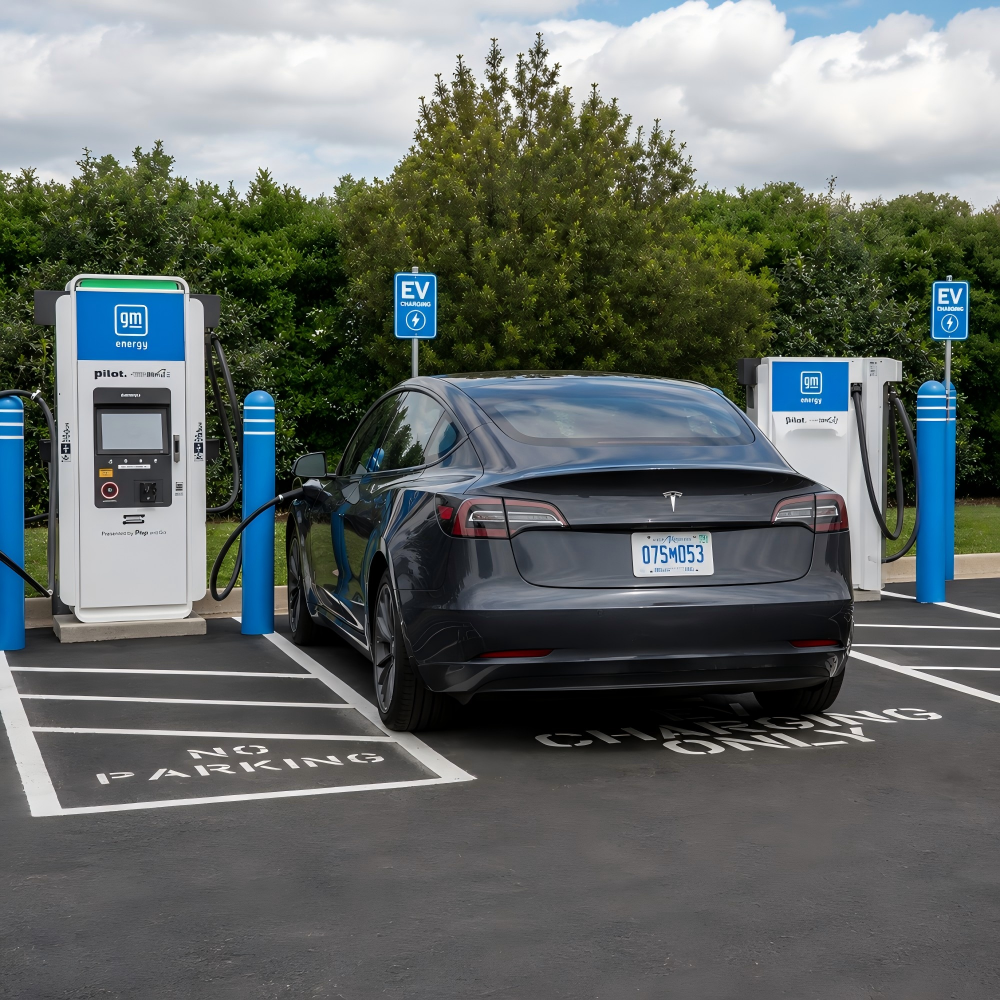 2026-06-23What Touch Technology Is Best for EV Charging Station LCD Displays?

Products
Commercial LCD Display
Gaming LCD Module
Outdoor Display
MINI-LED LCD Display
High Resolution Medical Display
OLED Display
Total Solutions
E-ink LCD Display
Desk VR Monitor
Service
Custom Touch Screen Solutions
Customized Frames & Protective Cover Glass
LCD Driver Board & Accessory Customization
Contact us
Contact Us
Copyright © 2025 Shenzhen Aptus Technology Co.,Ltd All Rights Reserved.

-
Inquire
- Top