Professional commercial display solution provider

- Home
-
Products
Professional commercial display solutions
-
About us
In good faith to customers
-
Service
Provide professional and meaningful advice
-
Knowledge Center
Innovation for development
- Contact us
How to Rotate a Commercial Display to Portrait Mode
How to Rotate a Commercial Display to Portrait Mode
Rotating a commercial LCD display from landscape to portrait mode is a common requirement for digital signage, retail shelf displays, kiosks, menu boards, and vertical advertising. At Duobond Display, we support this through our LCD modules, custom driver boards, and total integration solutions.
Physically rotate the display 90 degrees (clockwise or counterclockwise depending on your setup).
Use VESA-compatible mounts or custom brackets designed for portrait orientation to ensure stability, especially for larger panels (e.g., 21.5", 32", 43"+).
Check that the mounting holes support vertical installation and that ventilation/cooling is not obstructed.
The display interface (LVDS, MIPI DSI, eDP, HDMI, etc.) affects how easily rotation is achieved:
HDMI / DisplayPort — Easiest. Most media players, Windows, and Android systems handle rotation via software.
LVDS / eDP — Often requires configuration in the driver board firmware, device tree (embedded Linux), or EDID settings.
MIPI DSI — Common in embedded projects; rotation may need kernel parameters or framebuffer settings.
Windows / PC Systems
Right-click on desktop → Display settings.
Select the display → Under Orientation, choose Portrait or Portrait (flipped).
Apply and test. Use keyboard shortcuts (Ctrl + Alt + Arrow keys) on some graphics drivers (Intel/NVIDIA).
Android / Media Players
Go to Settings → Display → Screen rotation or HDMI rotation.
Set to 90° / 270° as needed.
For persistent rotation, use properties like persist.demo.hdmirotation or dedicated signage apps.
Embedded Linux (e.g., with Weston, DRM)
Edit configuration files (e.g., weston.ini):text[output]
name=LVDS-1
transform=rotate-90
Or use kernel parameters: video=rotate=90 or device tree rotation property.
For framebuffer console: Enable CONFIG_FRAMEBUFFER_CONSOLE_ROTATION.
Digital Signage Software
Most platforms (e.g., Screenly, BrightSign, Samsung MagicINFO) have built-in portrait/rotation settings for content and playlists.
4. Common Issues & Troubleshooting
Content appears stretched or wrong — Adjust resolution and scaling in OS/graphics settings. Ensure content is designed for portrait (e.g., 1080x1920 instead of 1920x1080).
Boot/splash screen wrong orientation — Requires early boot configuration (kernel cmdline, driver board firmware, or bootloader).
Touchscreen misalignment — Recalibrate touch after rotation; some driver boards need coordinate remapping.
Flickering / No signal — Verify timing parameters and cable quality. Use Duobond’s matched driver board for guaranteed compatibility.
Performance drop — Hardware rotation (via driver) is better than software rotation for smooth 24/7 operation.
5. Best Practices for Commercial 24/7 Use
Choose panels with native portrait support or high durability in vertical mounting.
Request custom driver boards from Duobond with pre-set portrait EDID and firmware.
Test full system integration: signal stability, heat dissipation, EMI, and long-term reliability.
For multi-screen setups, ensure synchronized rotation and content management.
Duobond Display Recommendation
Our commercial LCD modules and total solutions (module + driver board + touch + integration) are built for flexible orientation. Whether you need off-the-shelf portrait-ready panels or fully custom interfaces, we can provide one-stop support to reduce your development time and ensure stable performance.
Rotating a commercial LCD display from landscape to portrait mode is a common requirement for digital signage, retail shelf displays, kiosks, menu boards, and vertical advertising. At Duobond Display, we support this through our LCD modules, custom driver boards, and total integration solutions.
Here’s a complete step-by-step guide covering hardware, software, and best practices.
Physically rotate the display 90 degrees (clockwise or counterclockwise depending on your setup).
Use VESA-compatible mounts or custom brackets designed for portrait orientation to ensure stability, especially for larger panels (e.g., 21.5", 32", 43"+).
Check that the mounting holes support vertical installation and that ventilation/cooling is not obstructed.
Tip: Many Duobond commercial modules are designed to support both landscape and portrait orientations natively. Confirm the panel’s mechanical specifications in the datasheet.
The display interface (LVDS, MIPI DSI, eDP, HDMI, etc.) affects how easily rotation is achieved:
HDMI / DisplayPort — Easiest. Most media players, Windows, and Android systems handle rotation via software.
LVDS / eDP — Often requires configuration in the driver board firmware, device tree (embedded Linux), or EDID settings.
MIPI DSI — Common in embedded projects; rotation may need kernel parameters or framebuffer settings.
Duobond Solution: We offer custom driver boards that can be pre-configured for portrait mode, including EDID customization and rotation support. This simplifies integration and avoids signal or timing issues.
Windows / PC Systems
Right-click on desktop → Display settings.
Select the display → Under Orientation, choose Portrait or Portrait (flipped).
Apply and test. Use keyboard shortcuts (Ctrl + Alt + Arrow keys) on some graphics drivers (Intel/NVIDIA).
Android / Media Players
Go to Settings → Display → Screen rotation or HDMI rotation.
Set to 90° / 270° as needed.
For persistent rotation, use properties like persist.demo.hdmirotation or dedicated signage apps.
Embedded Linux (e.g., with Weston, DRM)
Edit configuration files (e.g., weston.ini):text[output]
name=LVDS-1
transform=rotate-90
Or use kernel parameters: video=rotate=90 or device tree rotation property.
For framebuffer console: Enable CONFIG_FRAMEBUFFER_CONSOLE_ROTATION.
Digital Signage Software
Most platforms (e.g., Screenly, BrightSign, Samsung MagicINFO) have built-in portrait/rotation settings for content and playlists.
4. Common Issues & Troubleshooting
Content appears stretched or wrong — Adjust resolution and scaling in OS/graphics settings. Ensure content is designed for portrait (e.g., 1080x1920 instead of 1920x1080).
Boot/splash screen wrong orientation — Requires early boot configuration (kernel cmdline, driver board firmware, or bootloader).
Touchscreen misalignment — Recalibrate touch after rotation; some driver boards need coordinate remapping.
Flickering / No signal — Verify timing parameters and cable quality. Use Duobond’s matched driver board for guaranteed compatibility.
Performance drop — Hardware rotation (via driver) is better than software rotation for smooth 24/7 operation.
5. Best Practices for Commercial 24/7 Use
Choose panels with native portrait support or high durability in vertical mounting.
Request custom driver boards from Duobond with pre-set portrait EDID and firmware.
Test full system integration: signal stability, heat dissipation, EMI, and long-term reliability.
For multi-screen setups, ensure synchronized rotation and content management.
Duobond Display Recommendation
Our commercial LCD modules and total solutions (module + driver board + touch + integration) are built for flexible orientation. Whether you need off-the-shelf portrait-ready panels or fully custom interfaces, we can provide one-stop support to reduce your development time and ensure stable performance.
Recommended reading
 2026-06-30What is High Haze Anti-Glare Glass for Advertising Displays?
 2026-06-30Optimizing Display Legibility for Outdoor EV Charging Infrastructure: A Technical Guide to Sunlight-Readable LCD Design
 2026-06-29How Curved LCD Displays Ensure 24/7 Reliability in High-Traffic Gaming Environments
 2026-06-23How Many Nits of Brightness Are Required for an EV Charging Station Display to Be Sunlight-Readable?
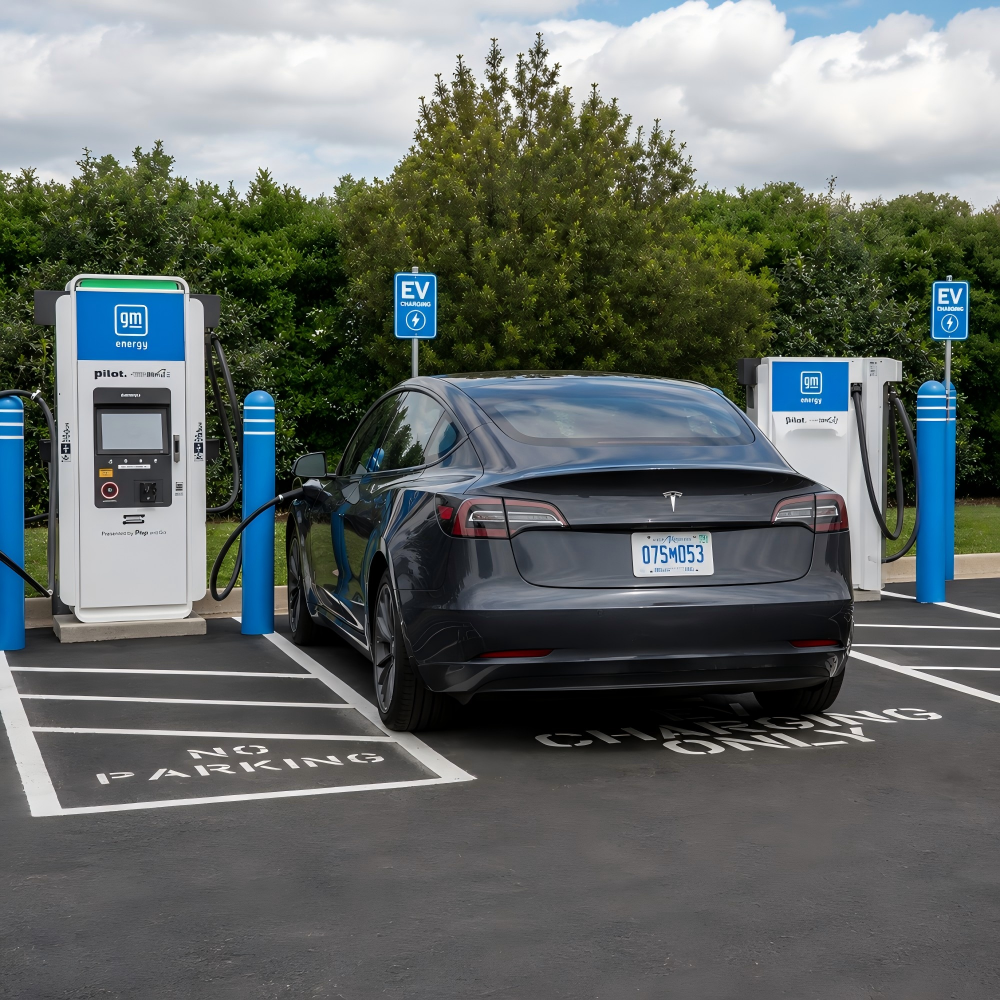 2026-06-23What Touch Technology Is Best for EV Charging Station LCD Displays?
Products
Commercial LCD Display
Gaming LCD Module
Outdoor Display
MINI-LED LCD Display
High Resolution Medical Display
OLED Display
Total Solutions
E-ink LCD Display
Desk VR Monitor
Service
Custom Touch Screen Solutions
Customized Frames & Protective Cover Glass
LCD Driver Board & Accessory Customization
Contact us
Contact Us
Copyright © 2025 Shenzhen Aptus Technology Co.,Ltd All Rights Reserved.

-
Inquire
- Top